Integration with PrestaShop 1.6 and 1.7
How to connect NetRadar.io price monitoring to your PrestaShop 1.6 or 1.7 webshop via the PrestaShop webservice.
Here you can read how to integrate NetRadar.io price monitoring with your PrestaShop 1.6 or 1.7 webshop.
Requirements
- PrestaShop 1.6 must be version 1.6.1.24 or later.
- PrestaShop 1.7 must be version 1.7.8.7 or later.
Activate the PrestaShop integration
- Log in to NetRadar.io price monitoring at https://app.netradar.io/.
-
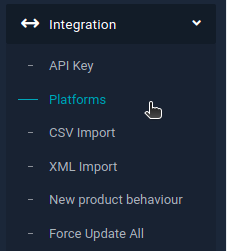
Select the menu item 'Integration' and then 'Platforms'.
-
Click the 'Enable PrestaShop' button.
Set up the integration with the API
-
Enter your domain name, including
http://orhttps://– for examplehttps://minshop.dk.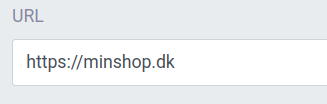
-
Open a new browser window and log in to the administration of your PrestaShop.
-
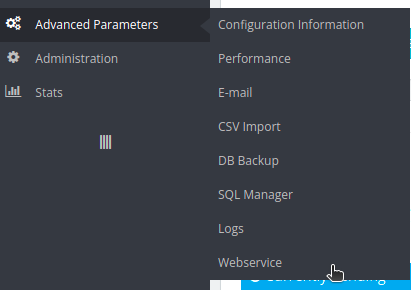
Go to 'Advanced Parameters' and then 'Webservice'.
-
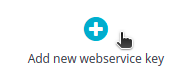
Click 'Add new webservice key' at the top right.
-
Click the 'Generate!' button next to the 'Key' field.

-
Under 'Resource', tick the checkbox at the top of these three columns: View (GET), Modify (PUT) and Fast view (HEAD).

-
Click 'Save' at the bottom right.

-
Go back to the integration setup page in NetRadar.io.
-
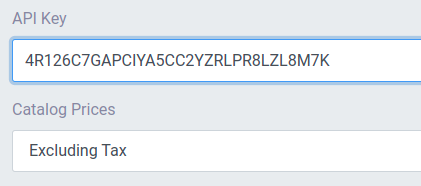
Paste the API key and choose whether your prices in PrestaShop are stated with or without VAT ('Catalog Prices').
-
Click the green 'Save settings' button.
Your products are now being imported for price monitoring. How long it takes depends on the number of products – on average about 5 minutes per 1,000 products.
Need help? If you run into an error or need help setting up the integration, contact us at support@netradar.io or call +45 77 34 34 34.
Possible causes of errors
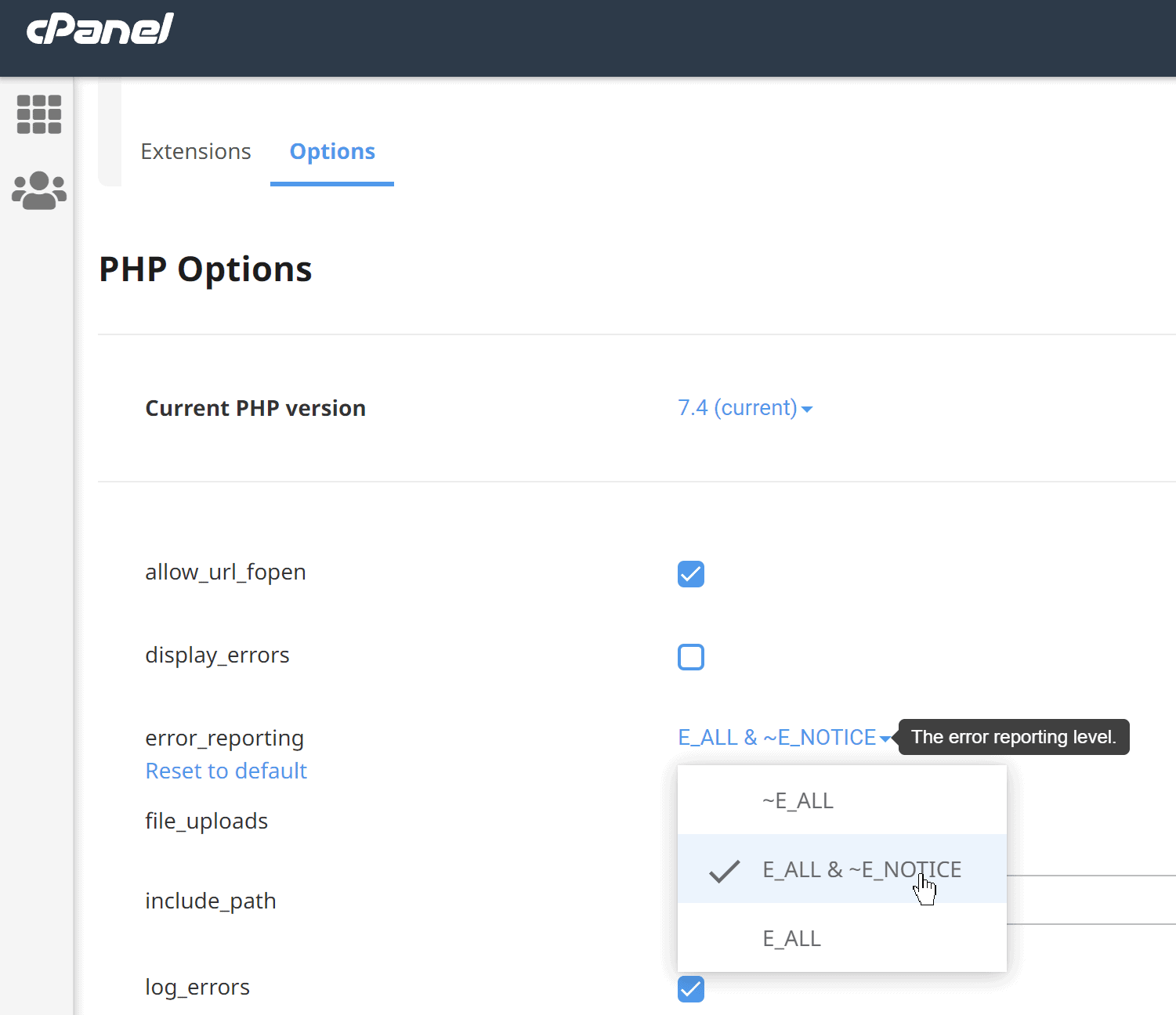
If you get errors or no data, check that your PHP is preferably version 7.4 and that error_reporting is switched off. If your hosting uses cPanel, the setting is probably under 'PHP Options', where you choose as shown here: