
Integration with Golden Planet
How to install the Price Monitoring app in your Golden Planet webshop.
Here you can read how to integrate NetRadar.io price monitoring with your Golden Planet webshop.
Install the app
-
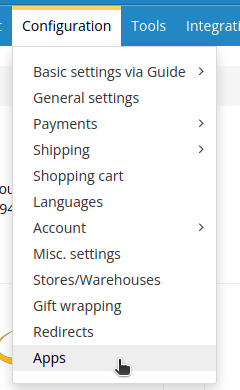
In your Golden Planet administration, go to 'Configuration' → 'Apps'.
-
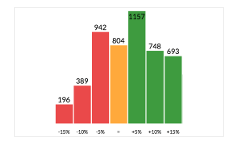
Select the module to install. Here you must select the one called 'Price Monitoring'.
-
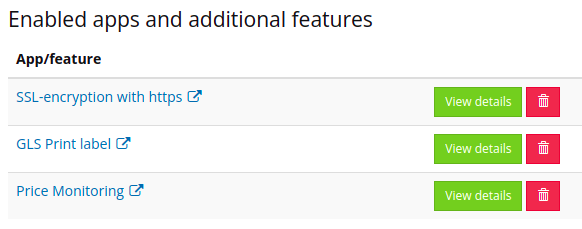
Once installed, the app is listed under 'Enabled apps and additional features'.
-
Click the name of the app to go to price monitoring.
When you install the app in a Golden Planet webshop, 100 products are included while it runs as a demo. You can then set up a subscription for the number of products you need.