
Add a product without import or integration
If you haven't set up an integration for your webshop – or want to monitor a product you don't sell yourself – you can add products manually.
If you have not set up an integration for your webshop – or just want to monitor the prices of a product that is not in your webshop – you can add it directly (manually).
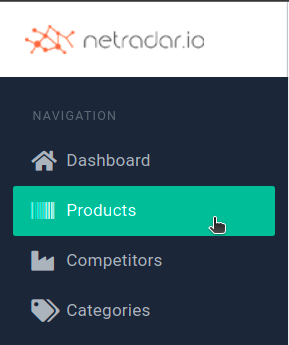
Start by going to the list of products via 'Products' in the menu on the left:
You can choose between two ways of adding a product:
- Quick (basic): Only the web address, item number and GTIN/EAN/barcode are entered.
- Complete: You get all fields to fill in.
The advantage of the quick option is that it can often retrieve the product image and price automatically from your site.
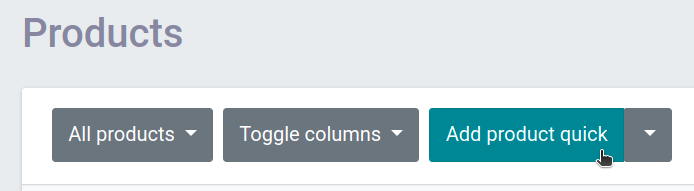
The quick option is used when you click the button directly ('Add product quick'):
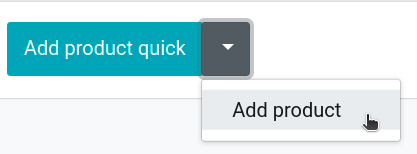
To create a product with all fields, click the down arrow on the button and select 'Add product':
Video: tips for adding products
In this video you can see tips and tricks for the easiest way to add products using all fields, and which fields are most important for a good search for competitors: