
Support
Advice and answers from the NetRadar.io team
Integrations
Product import
Enable products for monitoring
Product import
Add product (without import or integration)
If you have not established integration for your webshop - or just want to monitor the prices for a product that you do not have in your webshop - then you can add it directly/manually
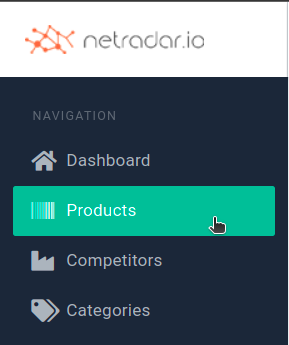
First enter the list of products via the menu on the left
You can choose between:
- Quick/basic create: Only the web address, item number and GTIN/EAN/barcode are inserted here
- Complete: Here you have all fields to fill in
The advantage of fast/basic is that it can often retrieve product images and price automatically from your site.
By default it is quick/basic on direct button click:

To create with all fields, click the down arrow on the button and select 'Add Product':

In this video you can see how with tips and tricks for how to do it the easiest by using all fields, as well as which fields are the most important to get a good search for competitors: