
Products with variants
Monitor products with variants collectively or per variant, and tell NetRadar.io which variant to use on competitors' product pages.
Price monitoring of variants – collectively or individually?
How products with variants are monitored depends on how you have connected your webshop to NetRadar.io.
If you use an XML product feed or CSV/spreadsheet import, products are read in line by line.
If you use one of the built-in integrations for your webshop platform, it depends on what your platform supports in terms of variants.
These platforms let you work with variants both collectively and individually:
- Magento 2
- WooCommerce
- Shopify
- SmartWeb
- Scannet
- Wannafind
- PrestaShop
- thirty bees
- Golden Planet
- DanDomain
By default, products with variants are monitored together, with the same price for all variants.
Keep the monitoring combined if you want the same price for all your variants, or if you don't want to spend time monitoring and pricing each variant. We retrieve the barcode of the first variant from your platform and use it for matching and for searching for competitors (in addition, as always, to matching and searching based on text and image analysis).
Split a product into individual variants – and combine it again
If your integration supports it, you will see an option on each product in the list to split it up into its individual variants ('Get all variants'):

Click it to split the product. Each variant is then retrieved from your webshop. Wait a moment, reload the product page, and every single variant is now listed. You can then enable monitoring for the variants you want to monitor.
If you regret the split, you can return to the combined product by clicking the icon with arrows pointing inwards next to one of the variants:

The variants are then combined into one product again (in this case, the search for and matching of competitors also has to start over).
Get different prices per variant on the same product page
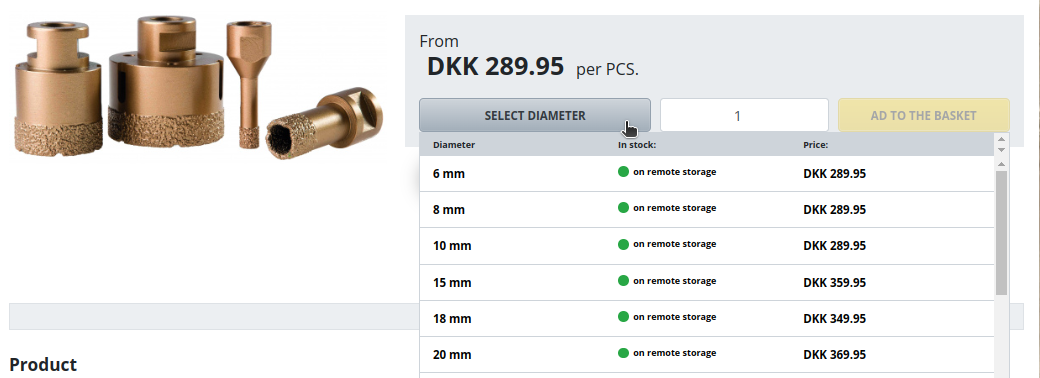
When a competitor's page requires a variant to be chosen before the final price is shown, you need to tell the NetRadar.io robot which variant to choose.
First, the competitor must be added to the product – either found automatically or added manually. If you add it manually, wait 5–10 minutes after inserting the link before you look further into variants (the options on the page must be downloaded first).
In the product list, expand the product so you can see all its competitors.
Competitors that are already prepared for variants will await your choice of variant. They are shown under "currently without price or discontinued", as in this example:
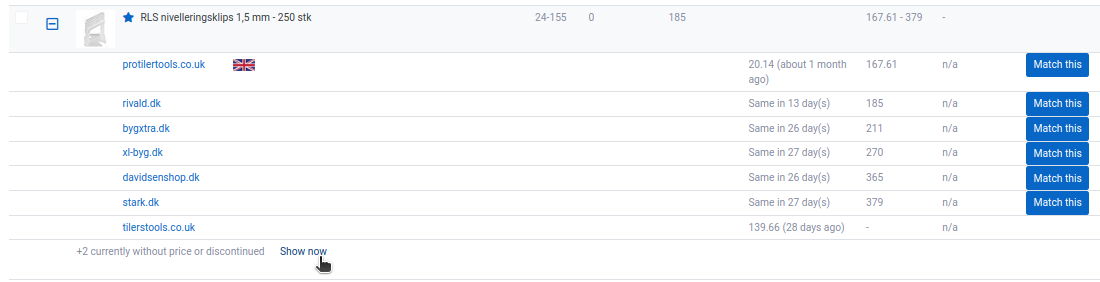
Click 'Show now' to see the full list.
Whether the competitor is already listed with a price or appears under "currently without price or discontinued", you set up the variant selection by clicking the + icon ('Specify variant') next to the competitor:
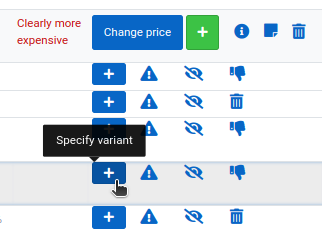
The button then changes colour depending on the status.
Red button
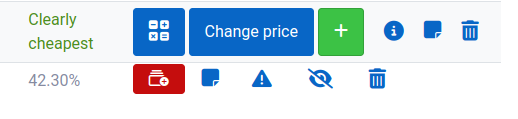
Sometimes, after reviewing your report, we find that variants are not supported for this competitor's website – in that case you will see the red button.
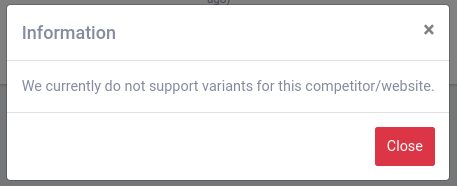
There can be various technical reasons why prices for variants cannot be retrieved automatically from a page. If this has already been established for a page, you will also see this message:
If the page you want variant prices from has not yet been set up for retrieval, you will see this message:
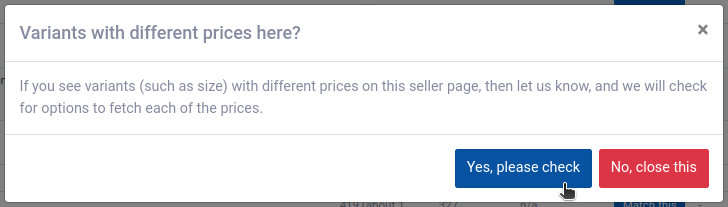
Click 'Yes, please check' and our support team will be notified to investigate whether the page can be added. When it has been settled, you will be notified by e-mail.
Yellow button
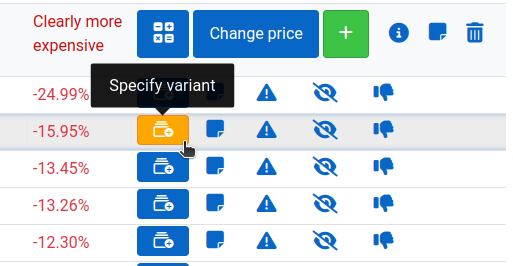
A yellow button means that variants have been added for the reported competitor and are ready to be specified – choose the one you need from the variants we have added.
Green button
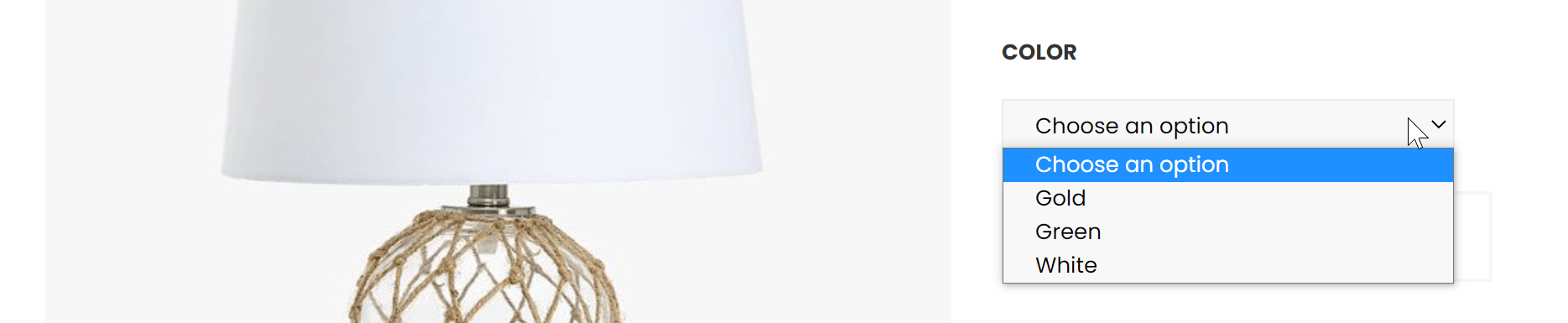
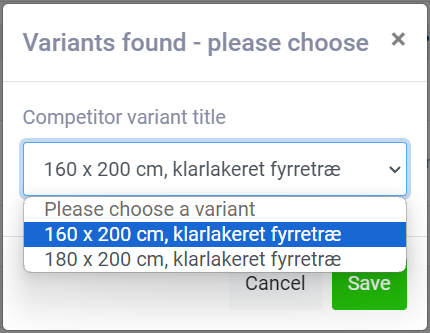
When a page is ready for selecting variants, you will see a drop-down menu where you can choose among the variants shown on the page – for example like this:
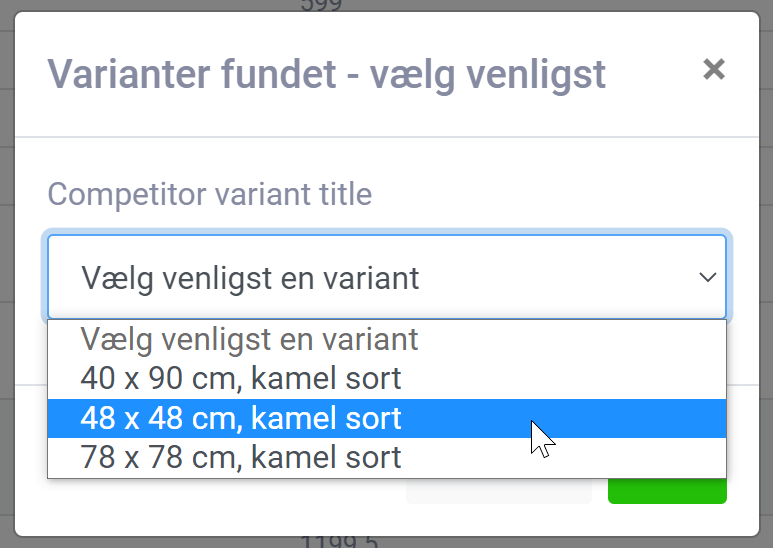
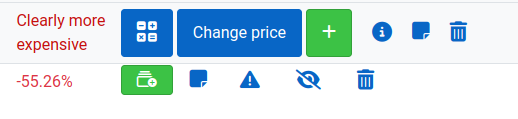
When you have chosen the variant you need from the drop-down, the button turns green. This means the variant has been specified successfully and will be monitored from now on.
The price is then updated and retrieved just like for products without variants.