Price positions
See where your price stands compared to the cheapest competitor – and filter your products by price position.
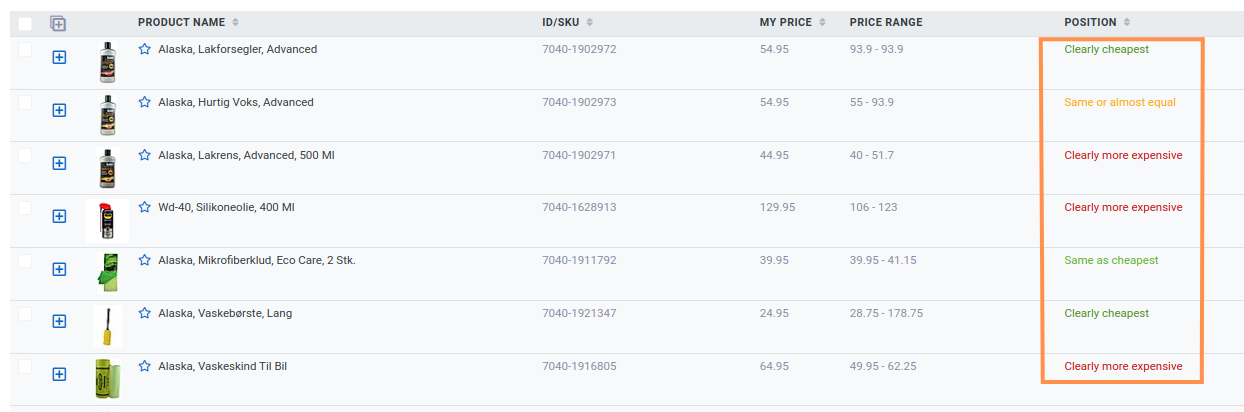
Based on your price compared to the cheapest competitor, you can see your position – for example in the 'Position' column of the product list:
How positions are calculated
The positions are named according to the percentage difference between your price and the cheapest price:
- Clearly cheapest: More than 9% below the cheapest
- Slightly cheaper: 5–9% below the cheapest
- Same as cheapest: Exactly the same price as the cheapest (+/- 0)
- Same or almost equal: Within +/- 5%
- Slightly more expensive: 5–9% above the cheapest
- Clearly more expensive: More than 9% above the cheapest
Filter by position
-
Click 'Add filter'.
-
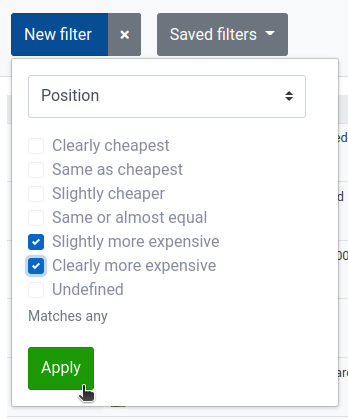
Select 'Position' and tick the positions you want to see products for, then click 'Apply'.
Positions in the overviews
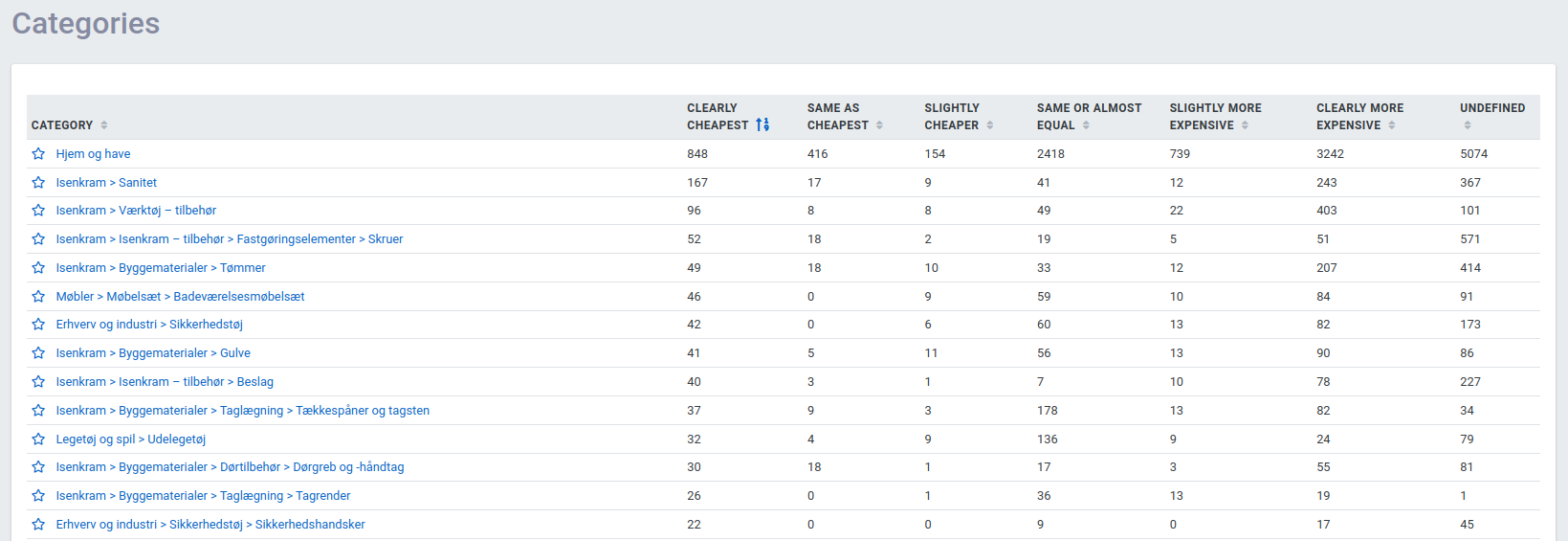
In the overviews of competitors, categories and brands, you can also see how many products you have in each position for each of them – here, for example, categories: